

🚀 Introduction
Did you know that over 70% of online shopping carts are abandoned before checkout? That’s a lot of potential revenue left behind.
Luckily, there’s a simple fix — WhatsApp abandoned cart recovery.
With OneDM, you can automatically remind customers about their pending orders via WhatsApp — in less than 5 minutes. WhatsApp messages get a 98% open rate, which makes them the most effective way to re-engage customers and recover sales.
In this guide, you’ll learn exactly how to set up abandoned cart recovery via WhatsApp using OneDM — step by step.
What Is WhatsApp Abandoned Cart Recovery?
Abandoned cart recovery is the process of reminding customers who added products to their cart but didn’t complete the checkout.
Instead of using emails that often go unread, WhatsApp messages reach your customers directly and feel more personal.
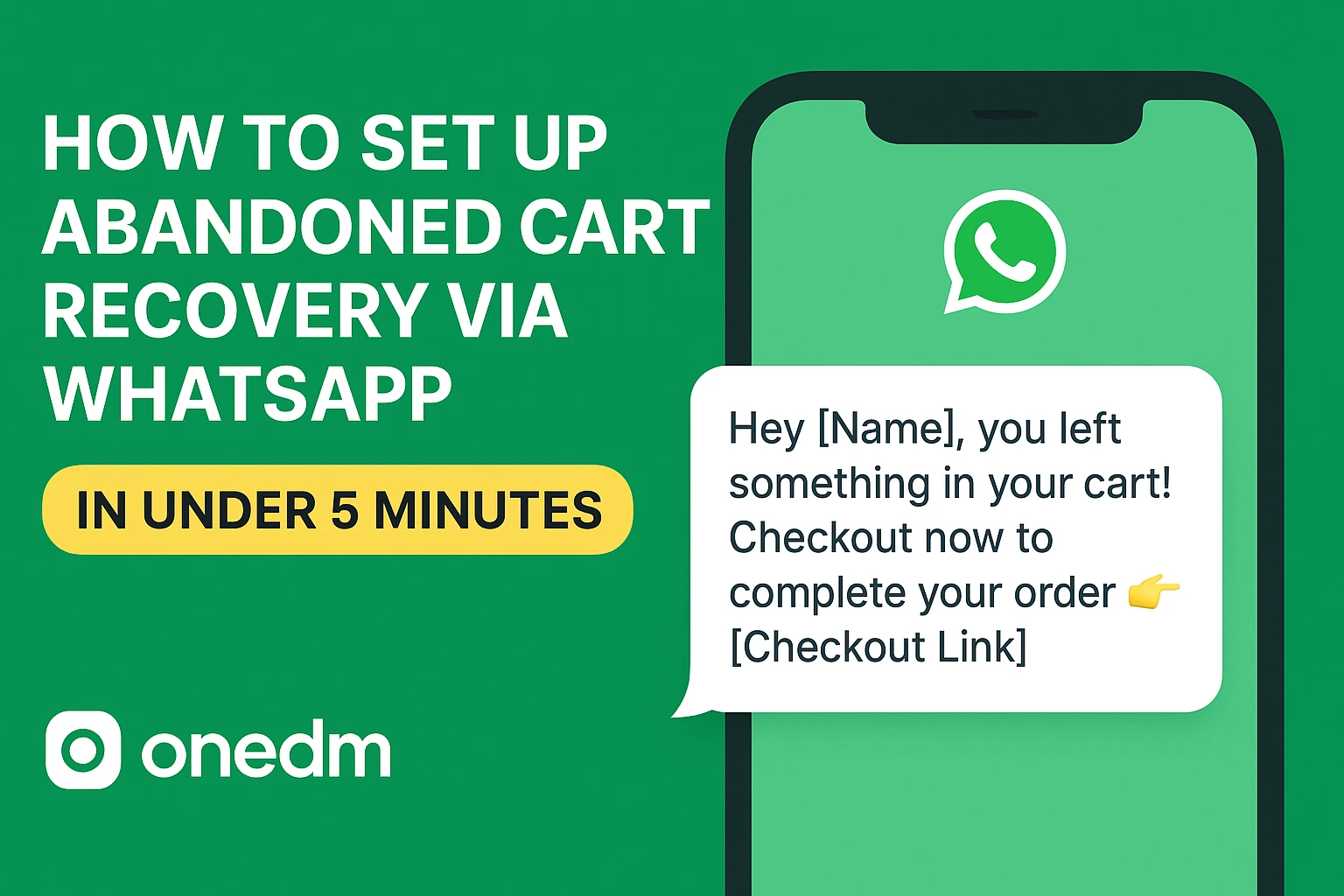
Example Message:
“Hey {{name}}, you left something in your cart! Checkout now before it’s gone 👇 {{checkout_link}}”
Why Use WhatsApp Instead of Email for Cart Recovery
Here’s why WhatsApp beats email and SMS when it comes to recovering lost sales:
| Channel | Open Rate | Click Rate | Personalization | Speed |
| 98% | 45%+ | ✅ High | ⚡ Instant | |
| 20% | 3–5% | Medium | ⏳ Delayed | |
| SMS | 70% | 10% | Low | ⚡ Instant |
- Customers reply faster on WhatsApp.
- You can include product images, offers, and buttons.
- Works perfectly for both COD and prepaid customers.
Prerequisites Before You Start
- WhatsApp Business Account
- Facebook Business verification
- Connected Meta App (approved)
- OneDM account ready (https://onedm.co)
If you haven’t connected your WhatsApp Business Account yet, read our quick setup guide: How to Connect WhatsApp Business to OneDM
Step-by-Step Setup in Under 5 Minutes
Setting up WhatsApp cart recovery on OneDM is super easy. Follow these simple steps:
Steps to configure the How-to recover the abandoned cart:
Step 1
Login to your OneDM Dashboard. Go to https://onedm.co and log into your account.
Step 2
Connect your store (Shopify / WooCommerce / custom API). Integrate your Shopify, WooCommerce, or Custom API store with OneDM.
Step 3
Go to Automations → Abandoned Cart Flow. Inside your dashboard, find the “Abandoned Cart Recovery” option under Automations.
Step 4
Select or edit a WhatsApp message template.
Select a pre-approved WhatsApp message template or create your own using variables like:
{{name}}
{{checkout_link}}
{{cart_items}}
Step 5
Enable the trigger: “When a user adds to cart but doesn’t checkout in 1 hour.”
Step 6
Activate the flow — done!
From now on, OneDM automatically sends personalized WhatsApp reminders for every abandoned cart.
WhatsApp Message Templates That Convert
Template 1: Gentle Reminder
“Hi {{name}}, looks like you left something behind! Complete your order now before it’s gone 👇 {{checkout_link}}”
Template 2: Discount Reminder
“Hey {{name}}, here’s a 10% off coupon just for you! Use code CART10 before it expires. {{checkout_link}}”
Template 3: Product Image Template
Best Practices for Higher Conversion
- Send the first reminder within 30–60 minutes after abandonment.
- Personalize the message using the customer’s name and cart item.
- Use a single discount or free shipping incentive.
- Limit messages to 2–3 per cart to avoid spamming.
- Track and optimize your flow in the OneDM analytics dashboard.
Measure Results and Optimize
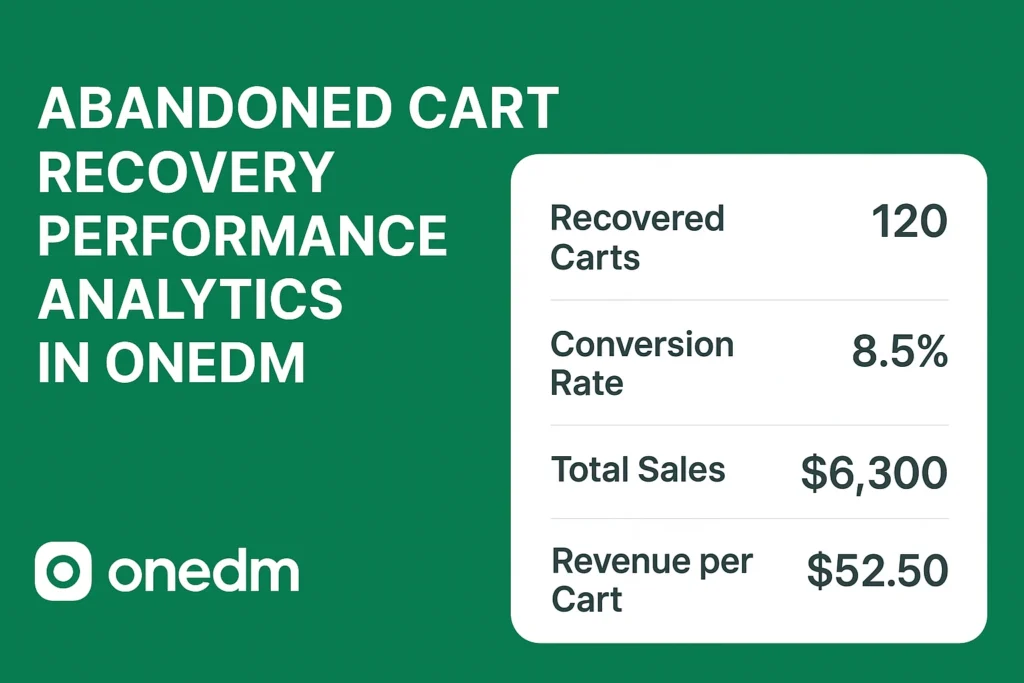
In your OneDM Analytics Dashboard, you can monitor:
- Message delivery and click rates
- Number of carts recovered
- Total revenue regained
Example: Stores using OneDM for WhatsApp cart recovery report 15–25% higher checkout completion rates.
Recovering lost sales doesn’t need to be complicated or time-consuming.
With OneDM’s WhatsApp Abandoned Cart Automation, you can:
- Reconnect with customers instantly
- Boost conversions by up to 25%
- Set it all up in under 5 minutes
Final Thoughts
Ready to recover lost revenue? Sign up for free and start your WhatsApp cart recovery today at